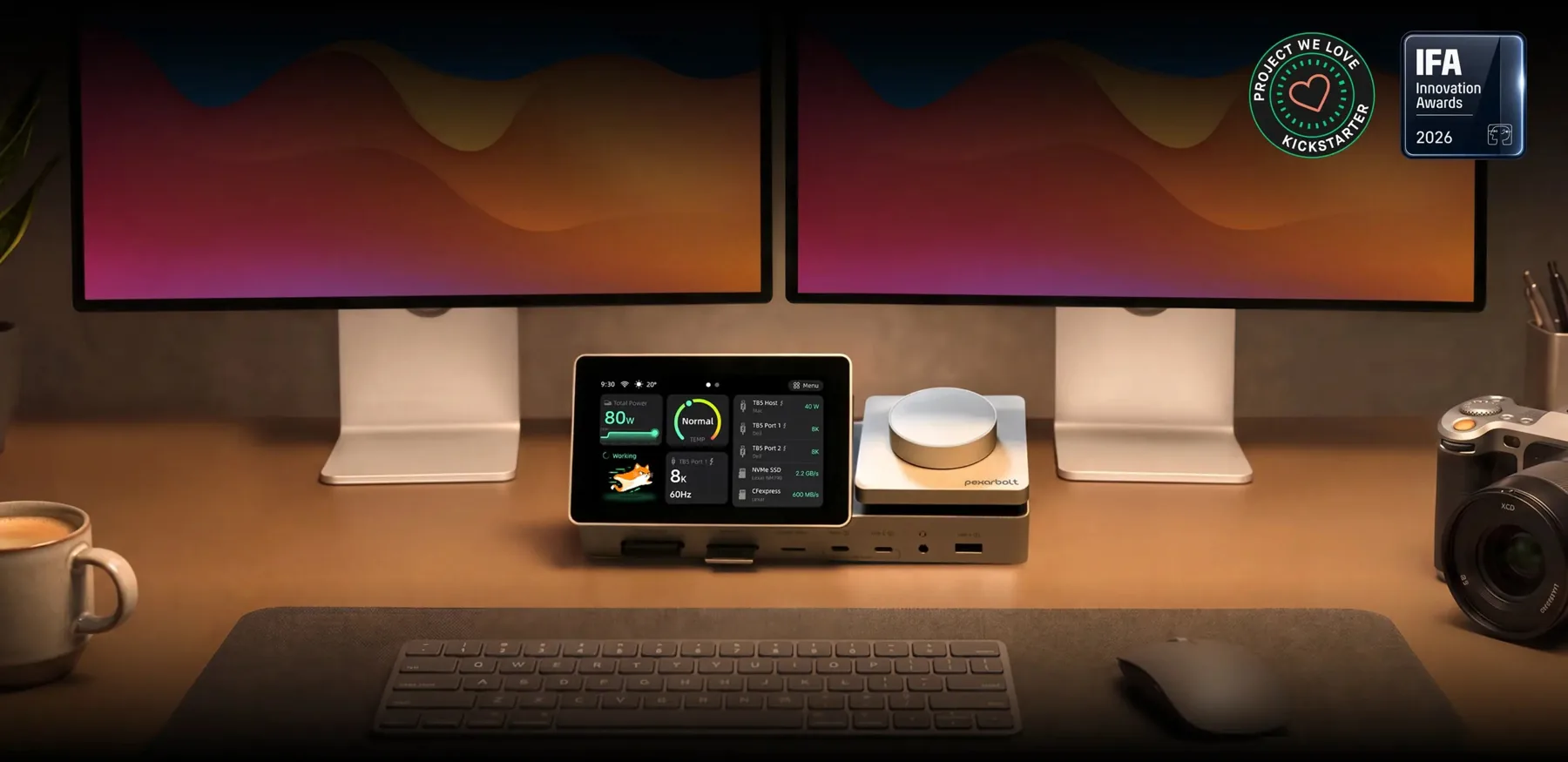
A clearer view of your desk
PexarBolt Ultra TBT5 Dock.
See your workflow.
A Thunderbolt 5 dock that puts your connections in view. See device activity on its 5-inch touch dashboard while one cable brings your displays, media and network together.
Rewards, availability, shipping and current terms are shown at the campaign destination.
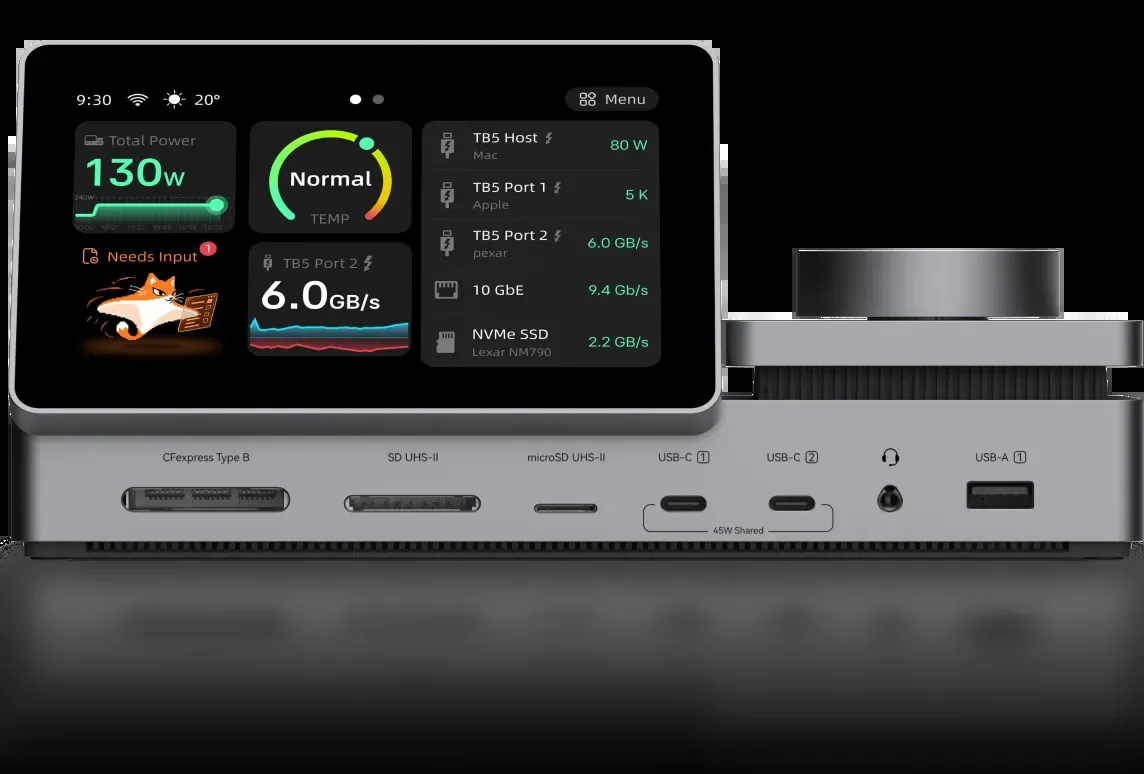 THE CONTROL DOCK / PEXARBOLT ULTRA
The difference is visible
PexarBolt Ultra TBT5 Dock
shows what is happening.
Most docks sit quietly between your laptop and the rest of your setup. PexarBolt's built-in screen brings connection, power, bandwidth and thermal information within a glance.
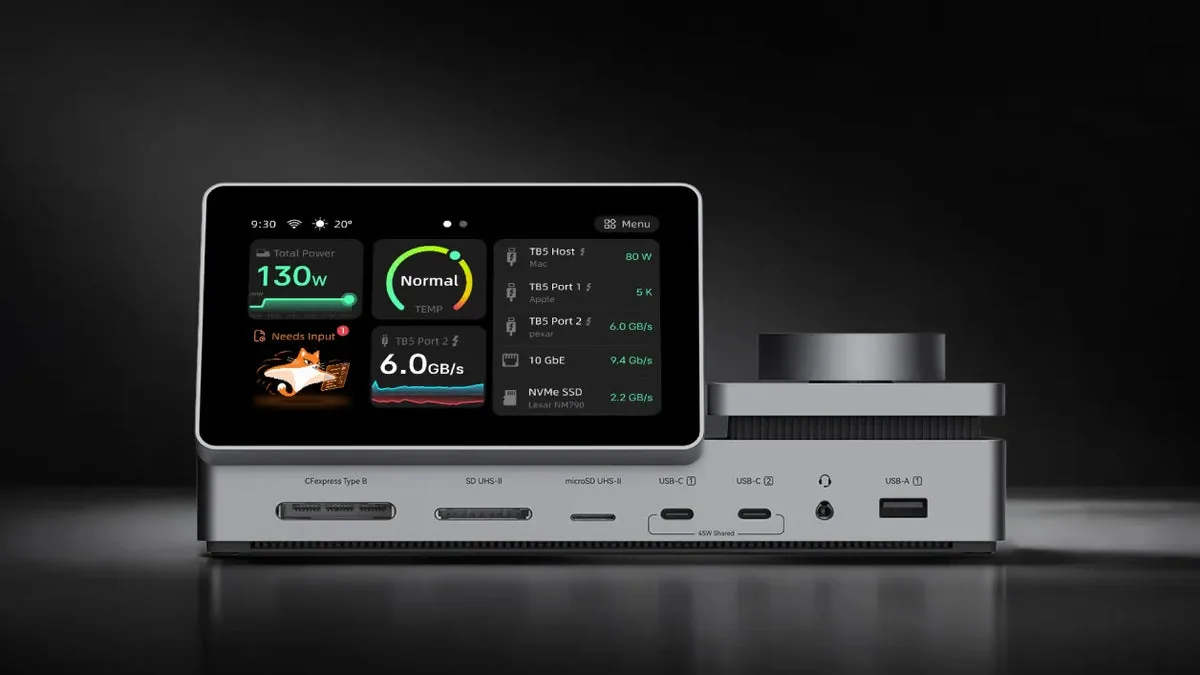
Look down. Know more.
Check connected devices, charging, transfer activity and temperature without opening another window. Turn the metal dial to move between screens, press to select, or tap for detail.
Full dashboard functionality requires the PexarBolt desktop app. Displayed screen imagery may vary by software version.
Built around the work
From camera card
to final export.
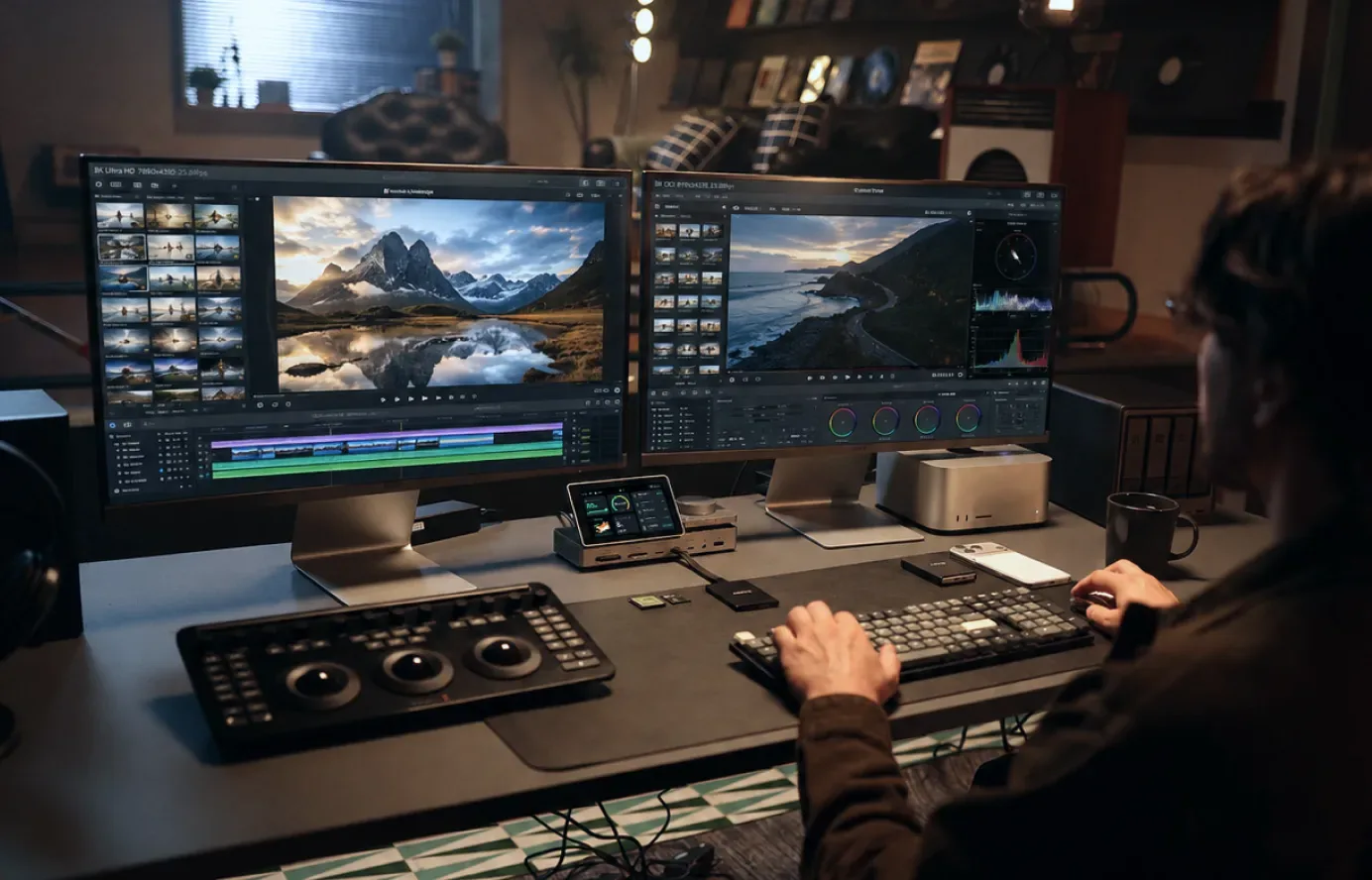
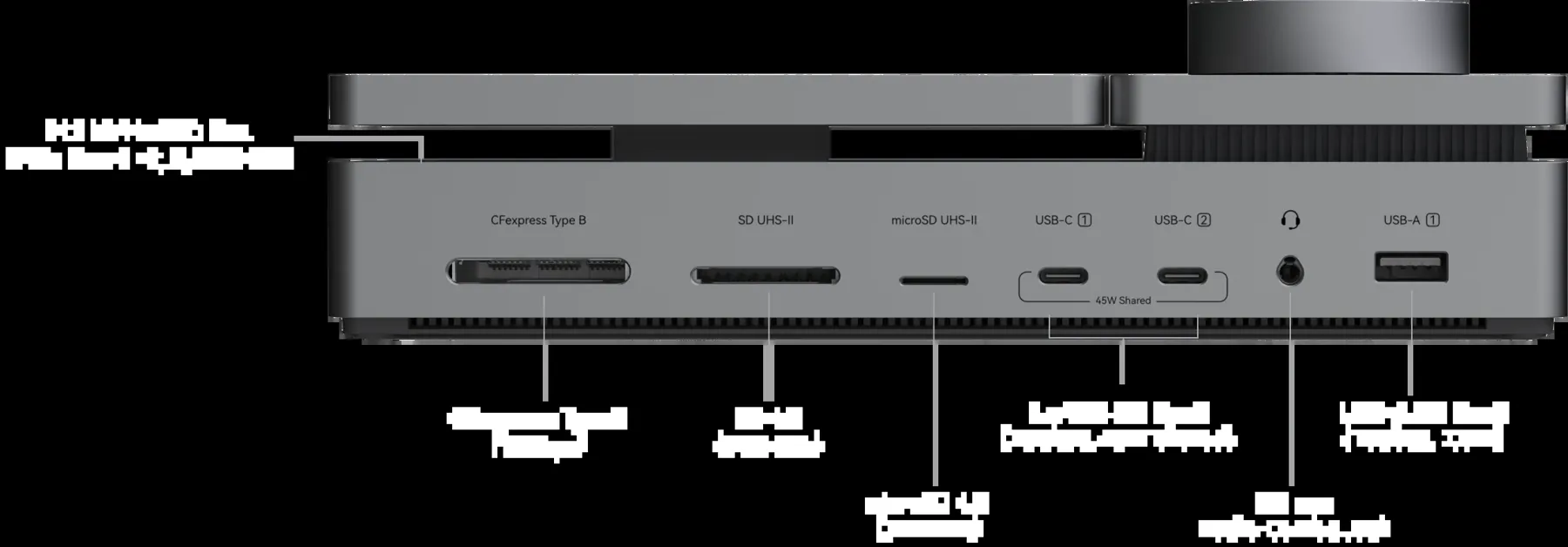
Import footage through CFexpress Type B, SD or microSD. Add your own M.2 NVMe SSD for project storage or backup, work across supported high-resolution displays, then move large files to a NAS over 10GbE.
- 01Bring media in
- 02Work and back up
- 03Move projects on
SSD, cards, displays and other connected equipment are sold separately. Actual speeds and display support depend on the host and configuration.
Connections with purpose
22 ways to make
one desk work.
The dock brings display outputs, fast storage, card readers, Ethernet, audio, USB devices and laptop power together through one Thunderbolt 5 host connection.
Bidirectional Thunderbolt 5 bandwidth
Up to this transmit rate with Bandwidth Boost for display-heavy work
Up to this much charging through the host port
Wired networking for shared storage
All figures are interface maximums. Actual performance depends on your host, connected devices, cables and workload. Bandwidth Boost changes bandwidth allocation by direction.
Another kind of status
Keep an eye on your
AI sessions, too.
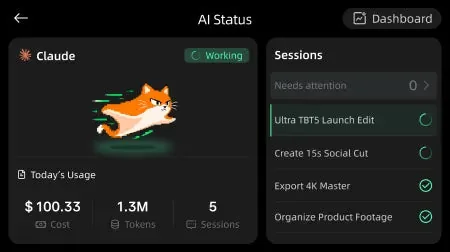
With the PexarBolt desktop app, the dashboard can surface Claude Code and Codex session states, attention requests and usage information. It gives coding workflows a place on your desk alongside your hardware status.
The dock displays status from supported software; it does not run AI models itself.
One connected workspace
Your desk, connected.
Your devices, in view.
Bring displays, storage and networking together through one Thunderbolt connection, then check port activity, power and temperature on PexarBolt's 5-inch dashboard.
Watch on YouTubeBefore you pledge
The useful details.
Check the campaign destination for the current reward choices, eligibility, shipping and fulfillment terms.
Do I need a Thunderbolt 5 computer?
Pexar lists support for compatible Thunderbolt 5 and Thunderbolt 4 Mac and Windows hosts. Available bandwidth and display combinations vary by computer, GPU and operating system. Check the campaign's compatibility chart for your setup.
Can it drive multiple displays?
On supported Thunderbolt 5 systems, Pexar lists up to two 8K 60Hz displays or three 4K 144Hz displays. The precise result depends on the host and display configuration. HDMI and DisplayPort are alternatives for one video path.
Is an SSD included?
No. The dock has an M.2 NVMe SSD slot, but you provide the SSD separately.
Which CFexpress cards fit the built-in reader?
The built-in slot is for CFexpress Type B. Type A requires an adapter or the separate PexarBolt Ultra USB4 Card Reader add-on or bundle.
Does the dashboard run AI tools?
No. With the desktop app, it can display information from supported Claude Code and Codex sessions. The AI work runs on your computer or connected service.
Where are current rewards and delivery terms?
Use the Kickstarter campaign destination for current reward availability, prices, shipping regions, estimates and updates. Crowdfunding pledges carry fulfillment risk and are different from a standard retail purchase.
Bring the desk together
See more.
Switch less.
Explore the PexarBolt Ultra TBT5 Dock campaign and choose the current option that fits your setup.
Explore on Kickstarter