01 / LIGHTBOX
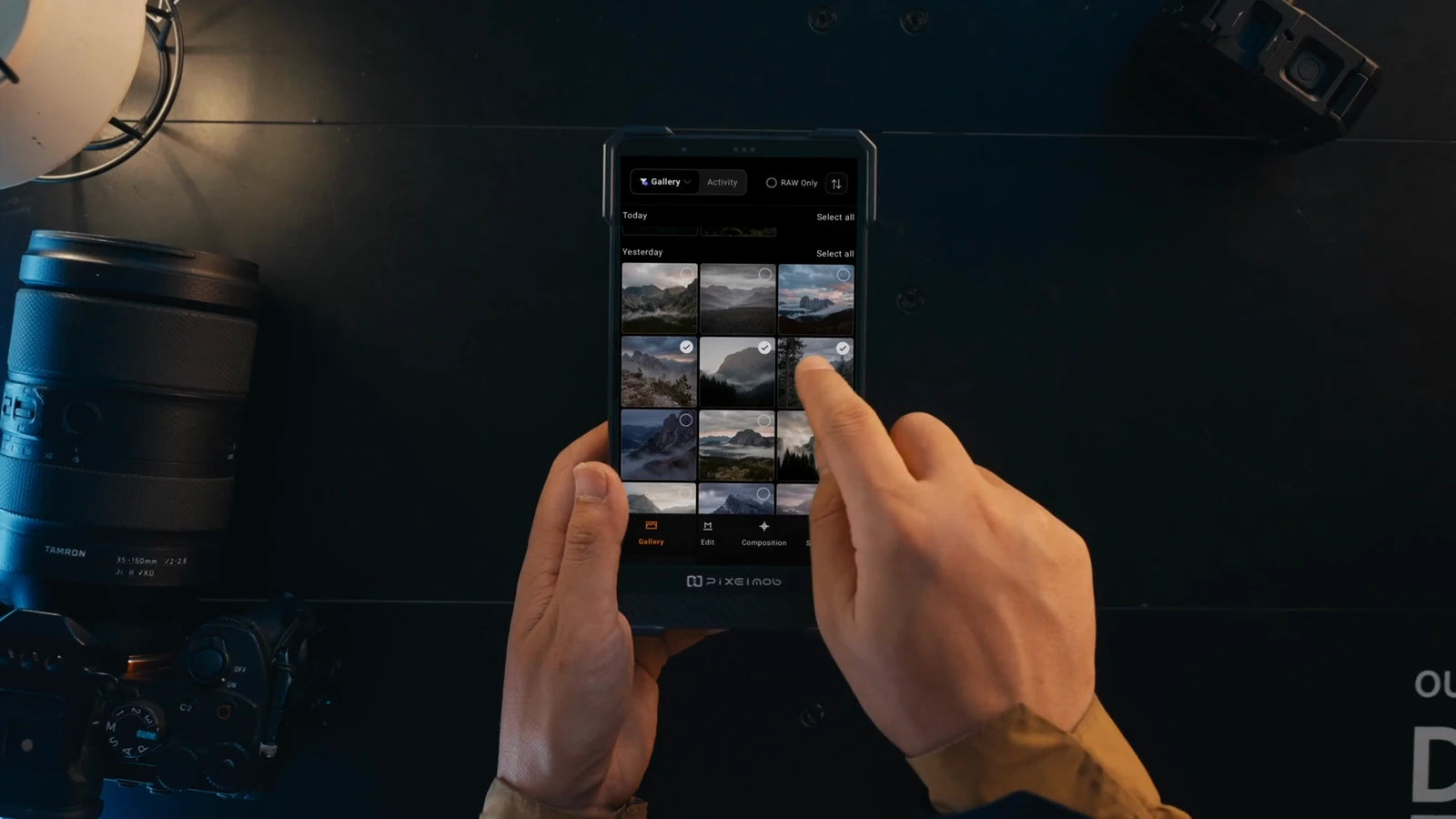
A quicker first selection.
AI-assisted culling groups similar shots. Pro adds checks for blur and closed eyes, flagging candidates while retaining your originals.
PORTABLE AI WORKSTATION / PRO
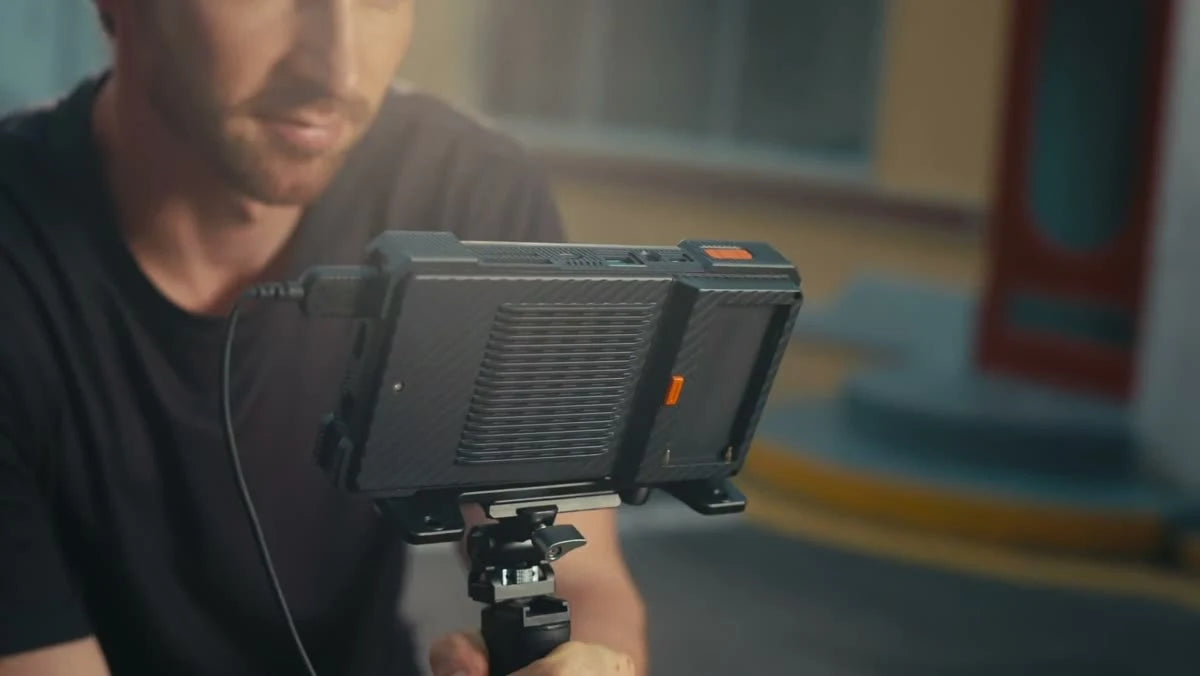
A portable workstation for the work after the shutter. Back up your media, inspect the details and start selecting or editing, right where you shoot.
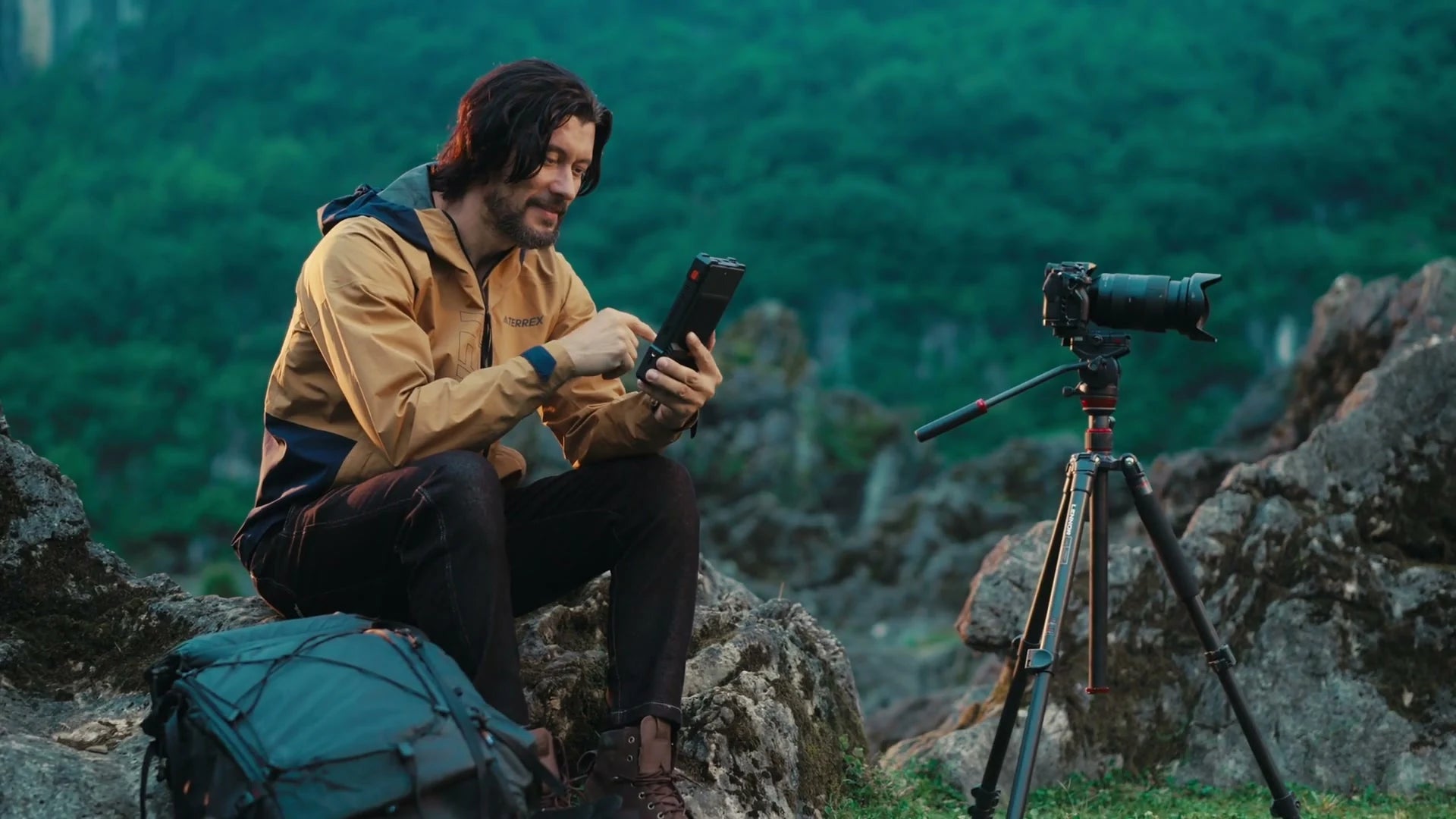
For photographers, filmmakers and creators on location.
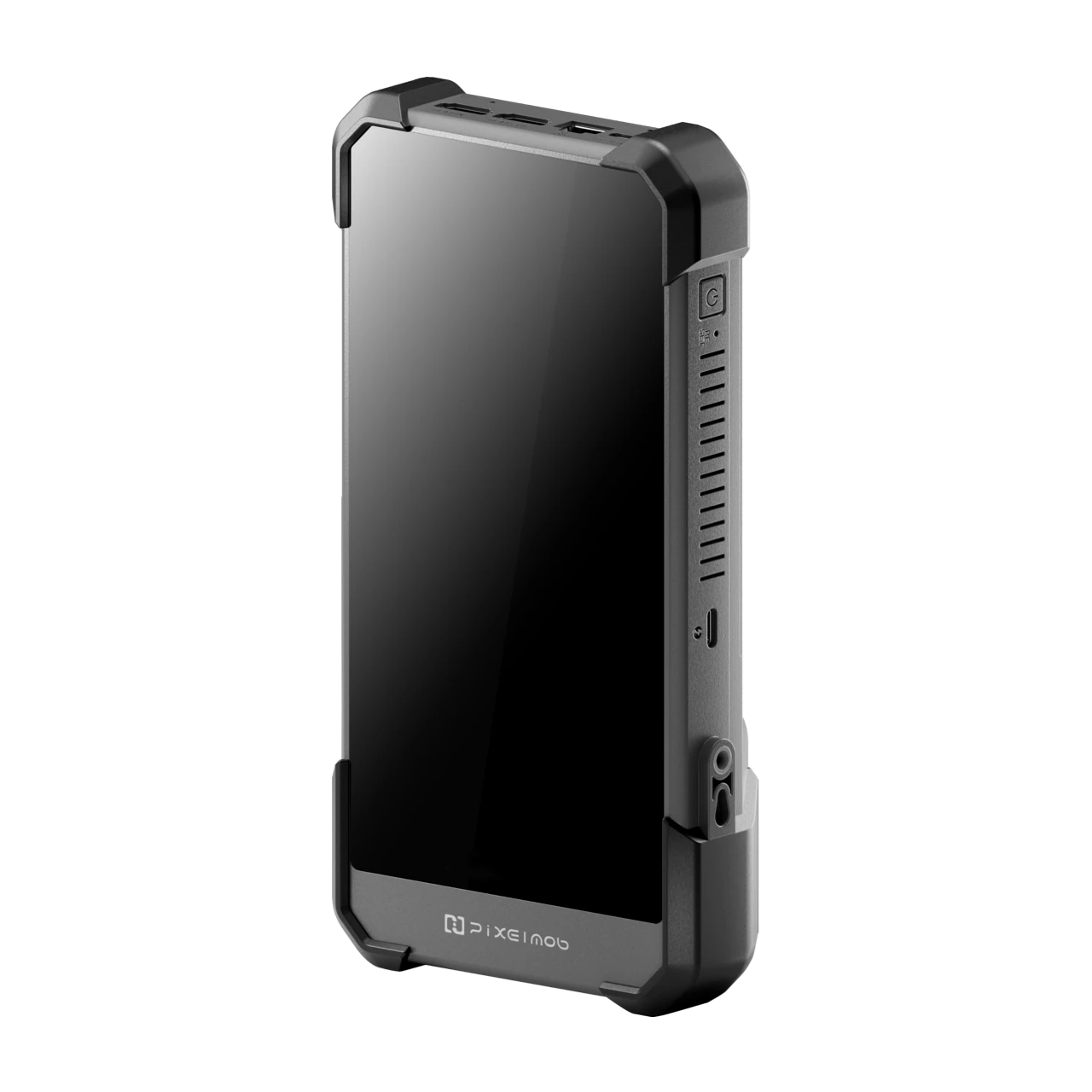
* Pro specifications. Maximum capacity requires compatible SSDs; backup speed varies with media and configuration.
01 / FROM CAPTURE TO FIRST EDIT
A shoot creates more than images. It creates files to protect, frames to check and decisions to make. Carry those first steps alongside your camera.
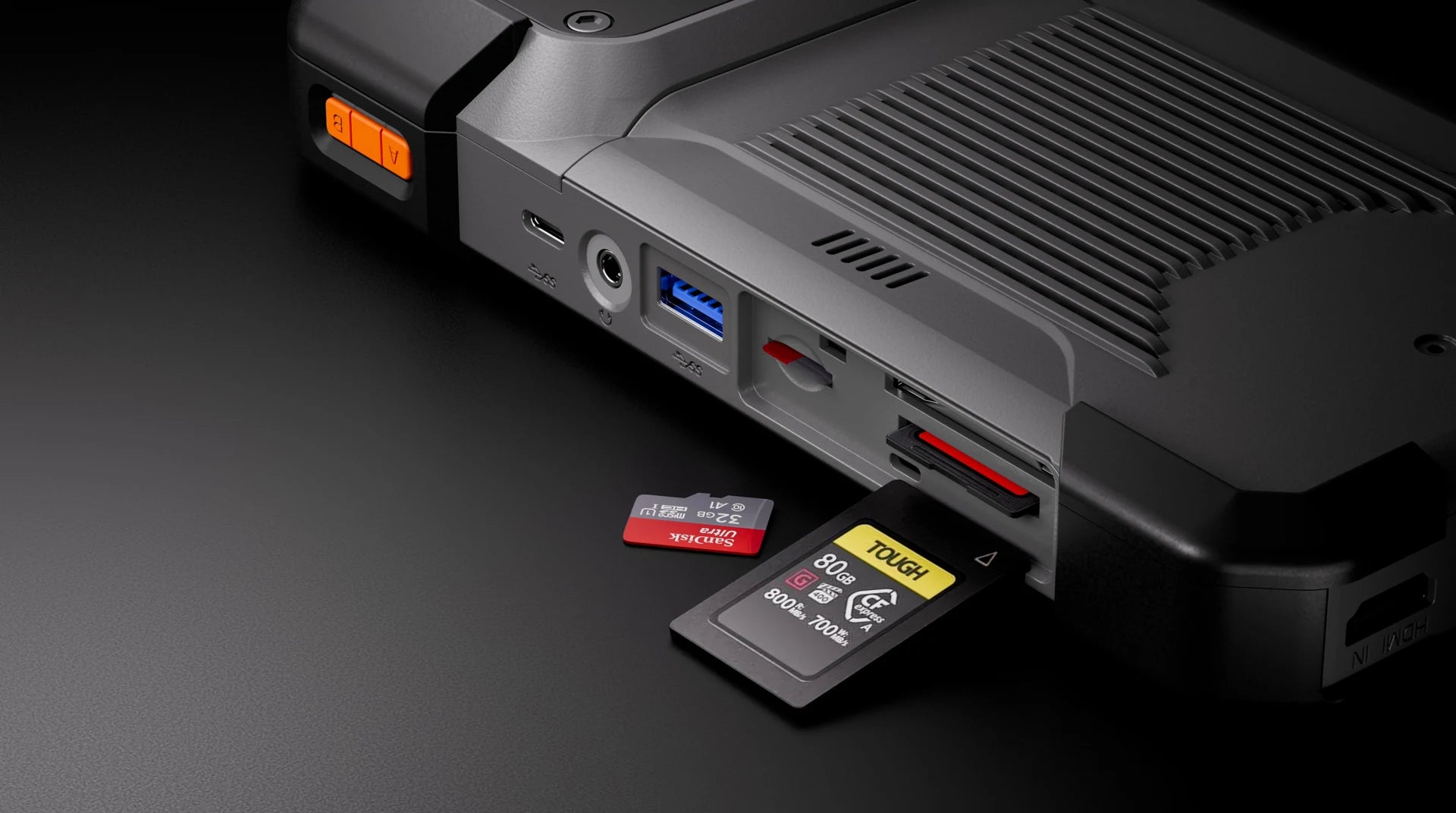
Offload your camera or drone cards.
Check file counts and integrity.
Inspect RAW files on location.
Make a first pass and begin adjustments.
02 / PRO STORAGE & BACKUP
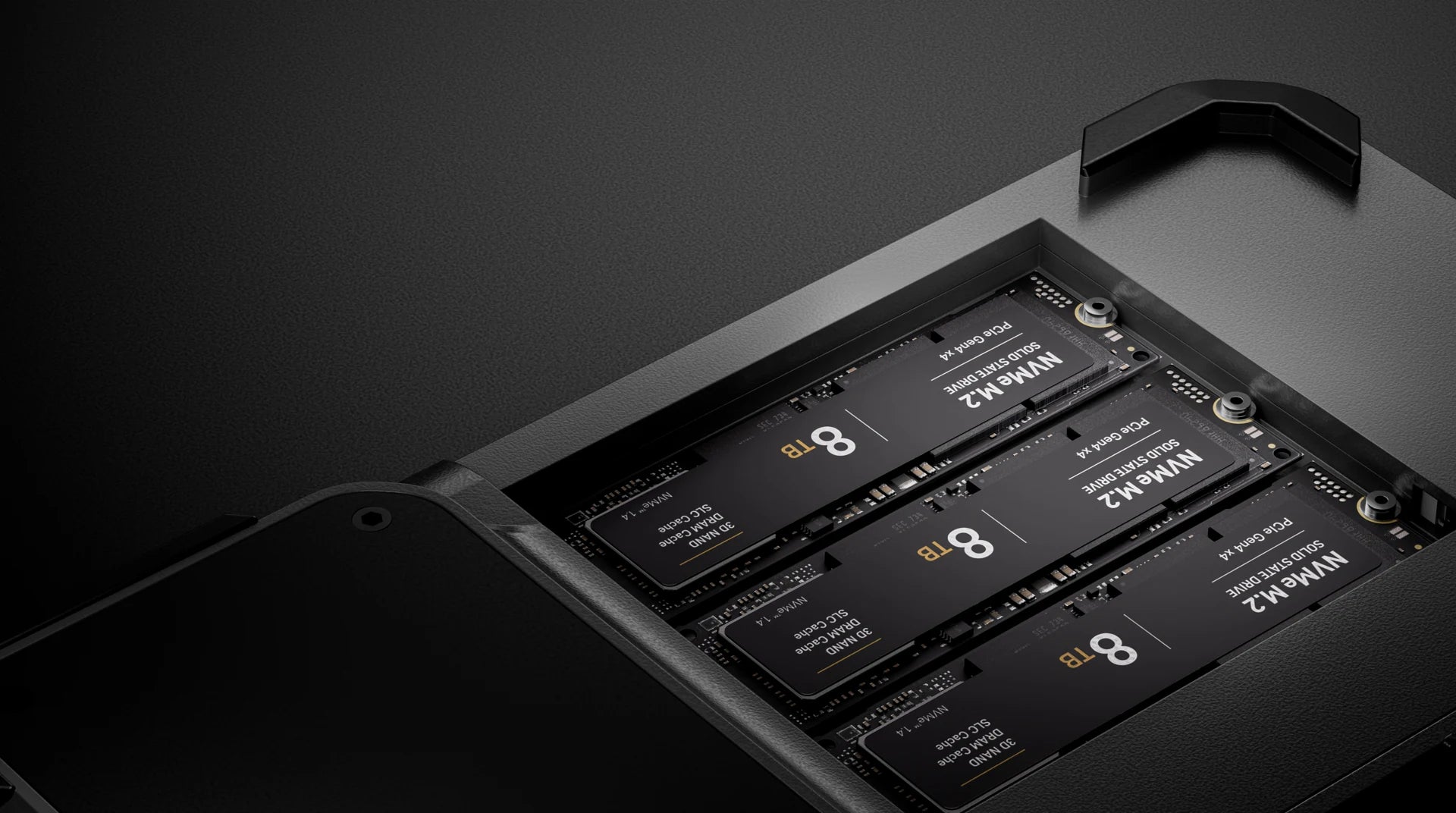
Pro accepts CFexpress Type B, SD UHS-II and microSD media. Three M.2 NVMe 2280 bays support up to 24 TB with compatible SSDs.
File verification and mirrored storage form part of PixelMob’s seven-layer protection approach. A second backup destination gives your workflow another copy to rely on.
Mirroring requires compatible drives. Pro bays 1 and 2 form the internal pool; bay 3 is separate for USB4 access. Single Unit rewards exclude SSDs.
03 / THE FIRST CREATIVE PASS
Review while a reshoot is still possible. Narrow down a large shoot. Start shaping a look before you return to your desk.
AI-assisted culling groups similar shots. Pro adds checks for blur and closed eyes, flagging candidates while retaining your originals.
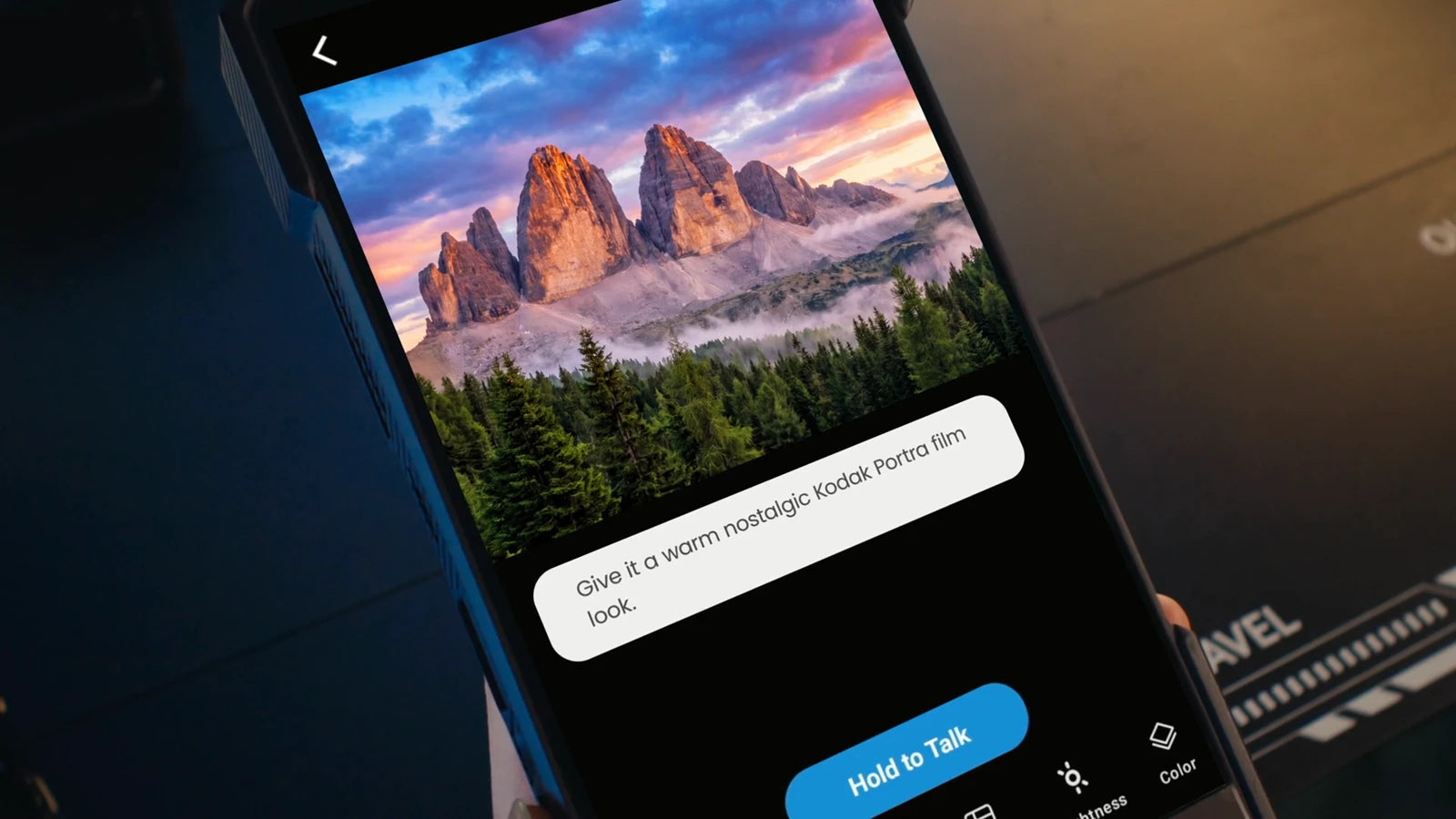
Both models support subscription-free RAW editing. Pro adds Cones color grading, presets and batch adjustments.
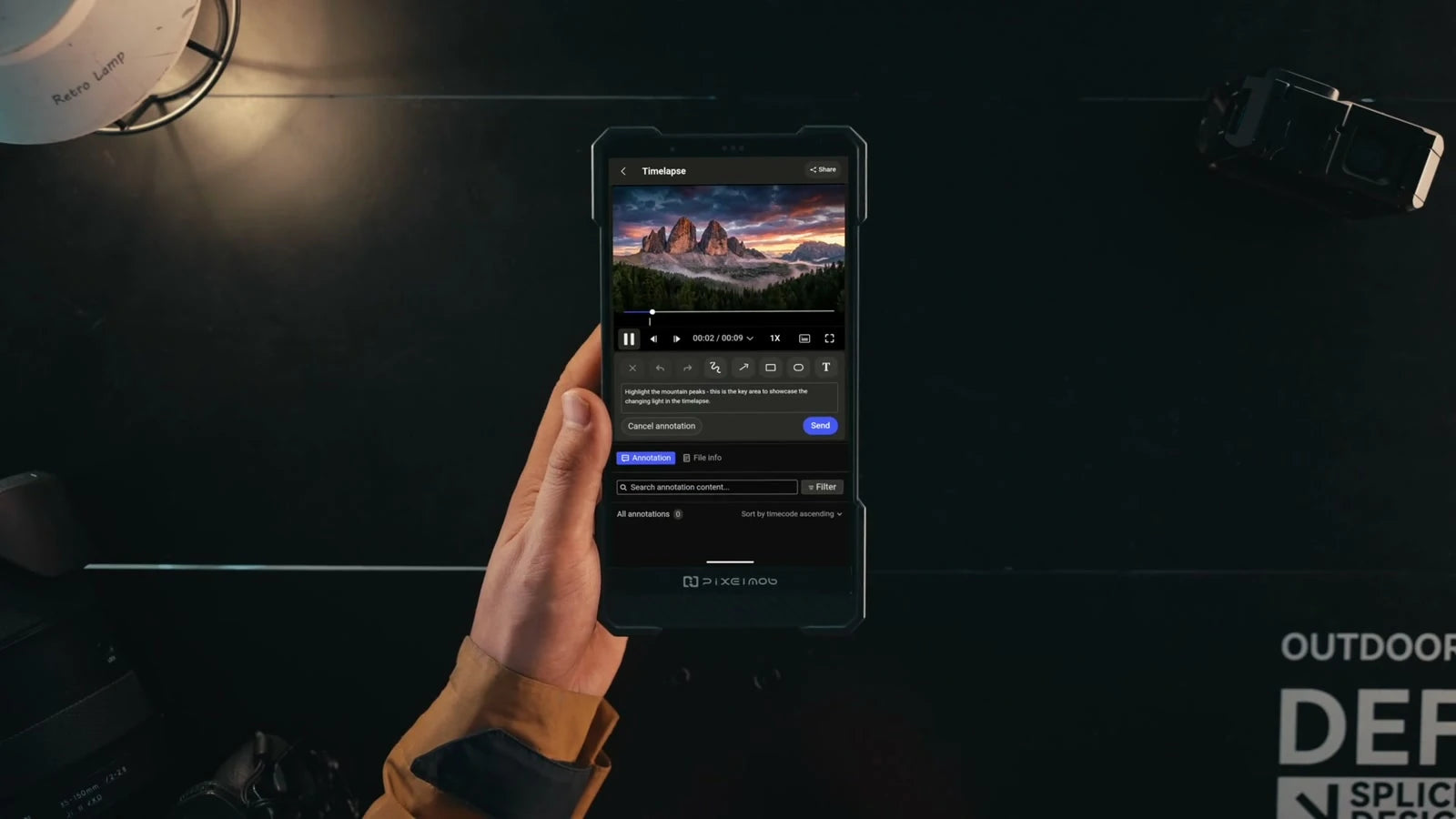
Generate lightweight proxies on Pro and review footage with timecode, audio and notes for the next stage of production.
04 / TAKE THE WORKFLOW WITH YOU
Card backup, on-device review and AI-assisted selection put the first stage of post-production within reach of your camera.
Watch on YouTube ↗Earlier product images and footage may show engineering hardware. Consult the campaign for the latest production design.
05 / WHERE PRO FITS
A large screen and flexible connections make Pro a practical companion from a small photo setup to a working video rig.
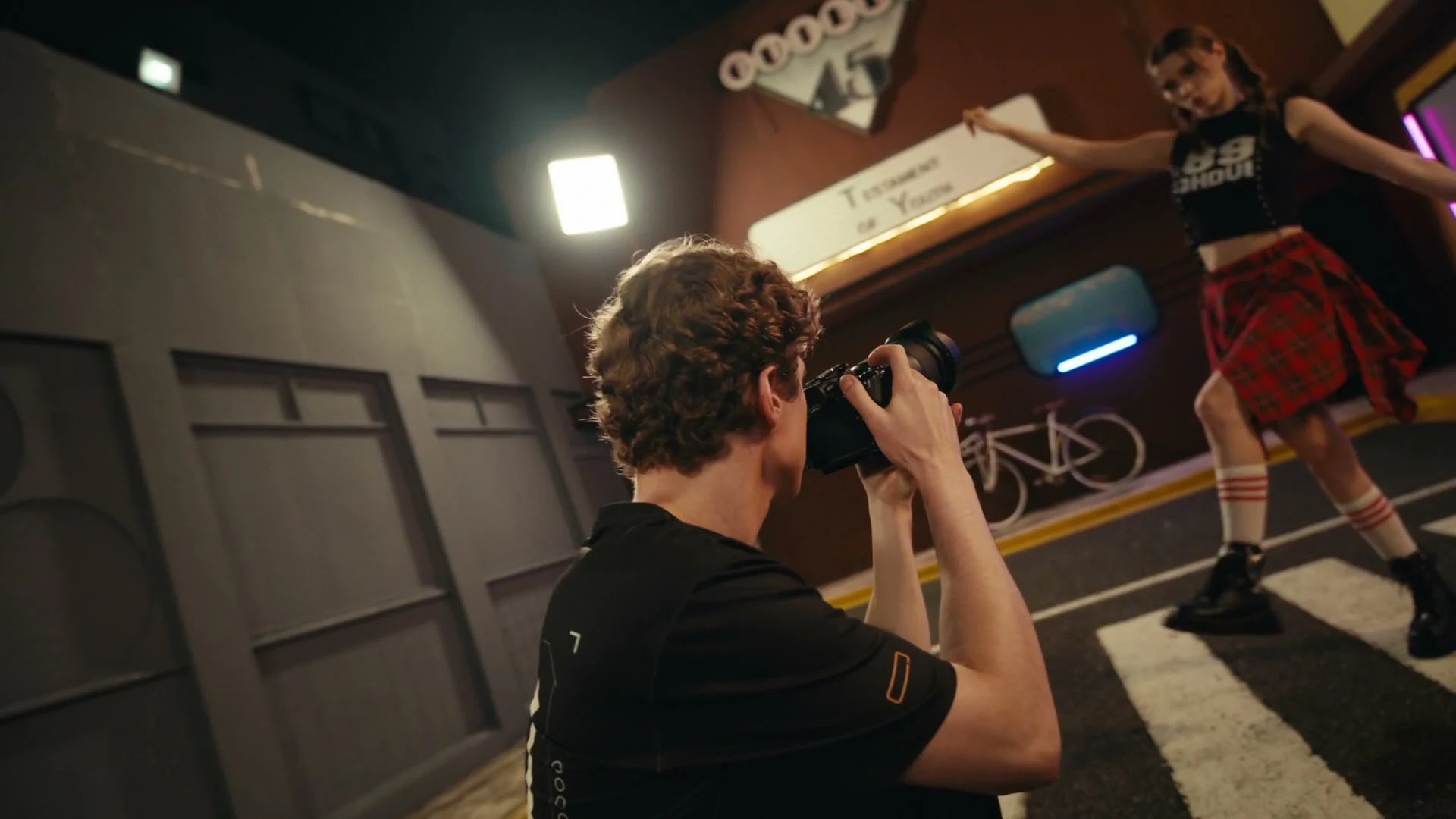
Back up multiple cards, inspect RAW frames and prepare a first selection while the session is still fresh.
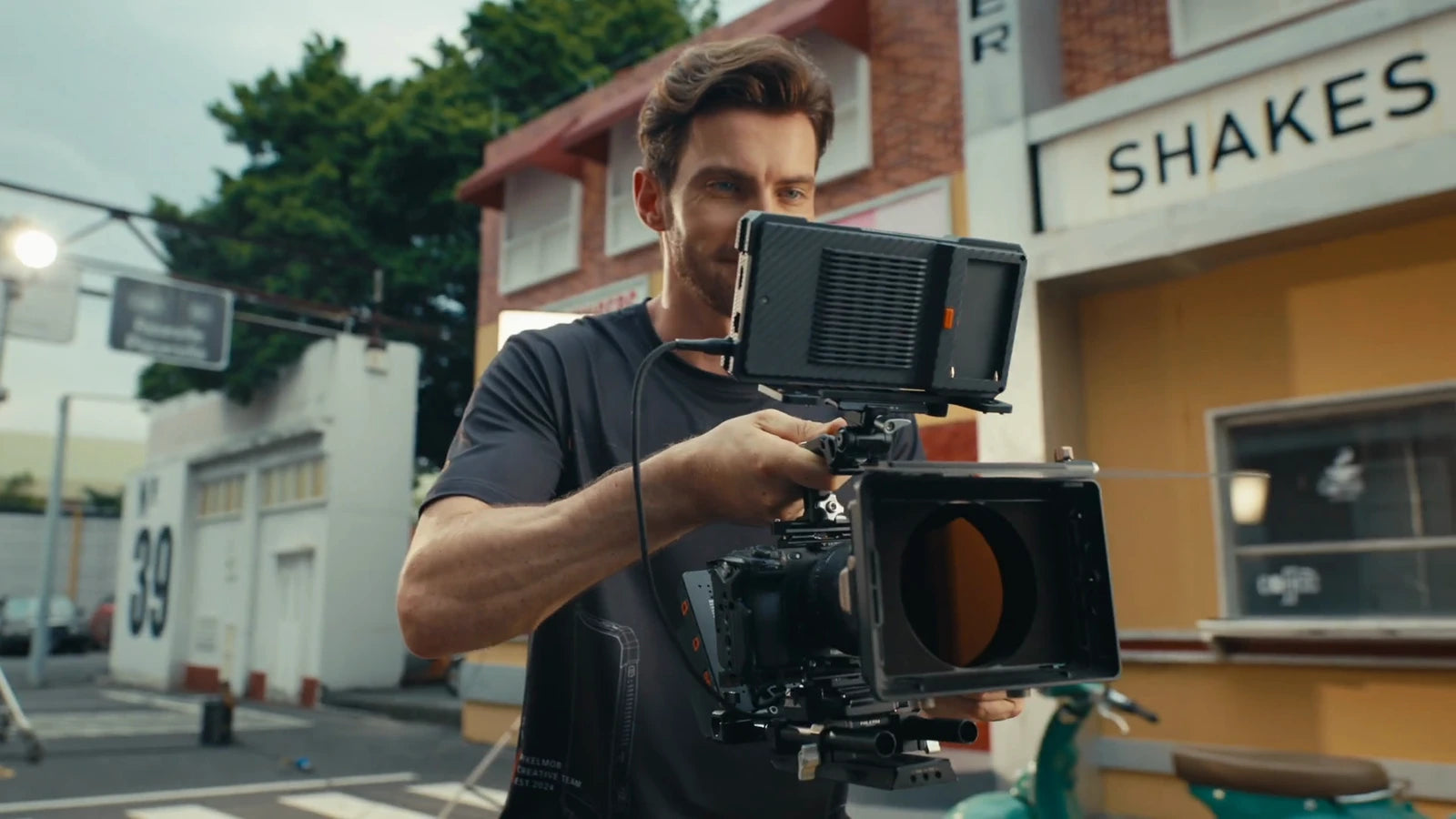
Use Pro’s HDMI input and output for the set, then generate proxies for review and the handoff to post.
FIELD → DESK
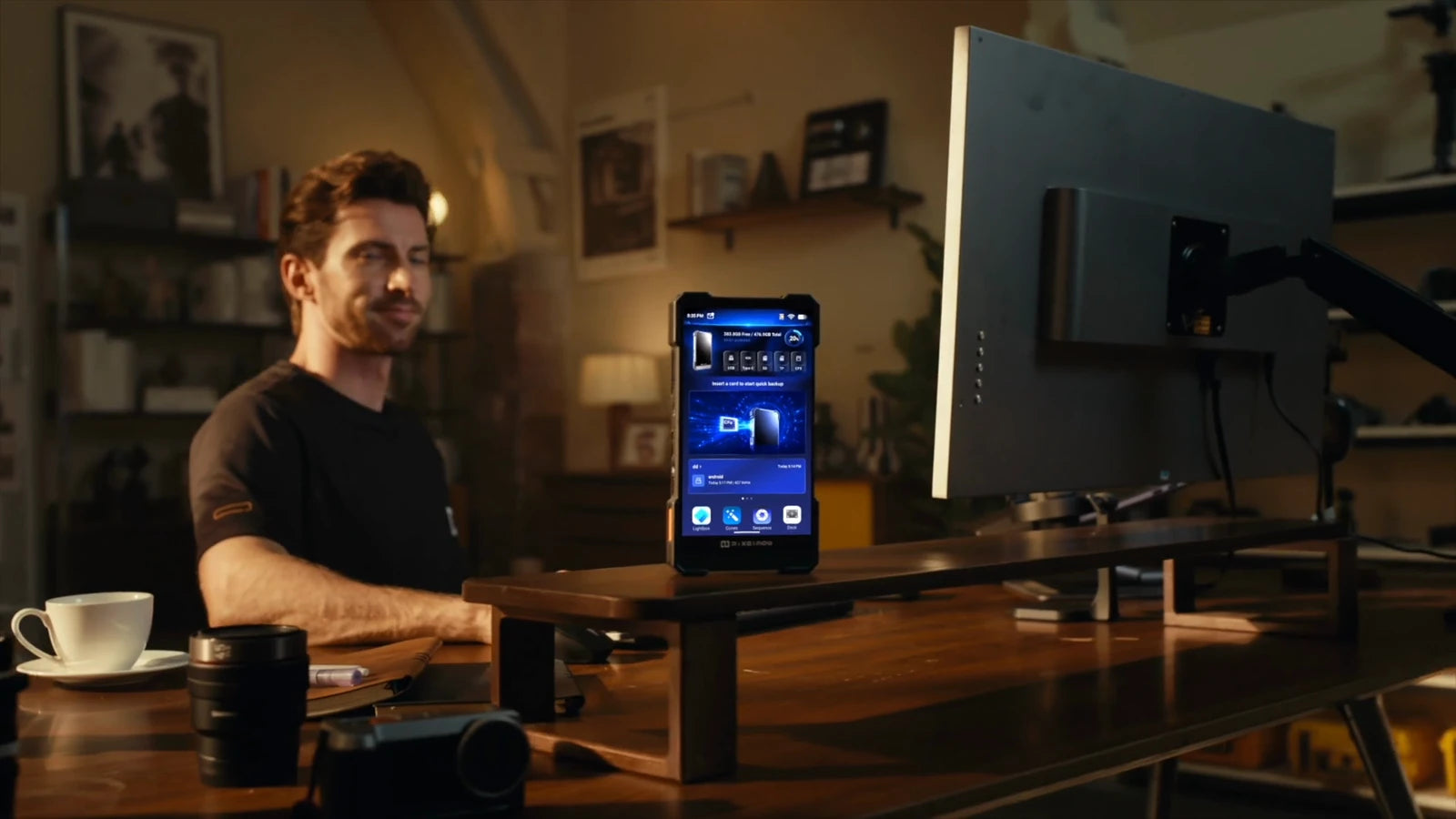
Connect Pro over USB4 when it is time to work at your main workstation. Its 11,600mAh built-in battery supports portable use; Pro also supports NP-F battery expansion.
NP-F batteries are excluded from Single Unit rewards. Runtime depends on usage.
06 / CHOOSE YOUR SETUP
Both models offer AI-assisted culling and RAW editing. Choose around your cards, screen needs and production workflow.
FOR PHOTOGRAPHERS & FILMMAKERS
FOR EVERYDAY PHOTOGRAPHY & TRAVEL
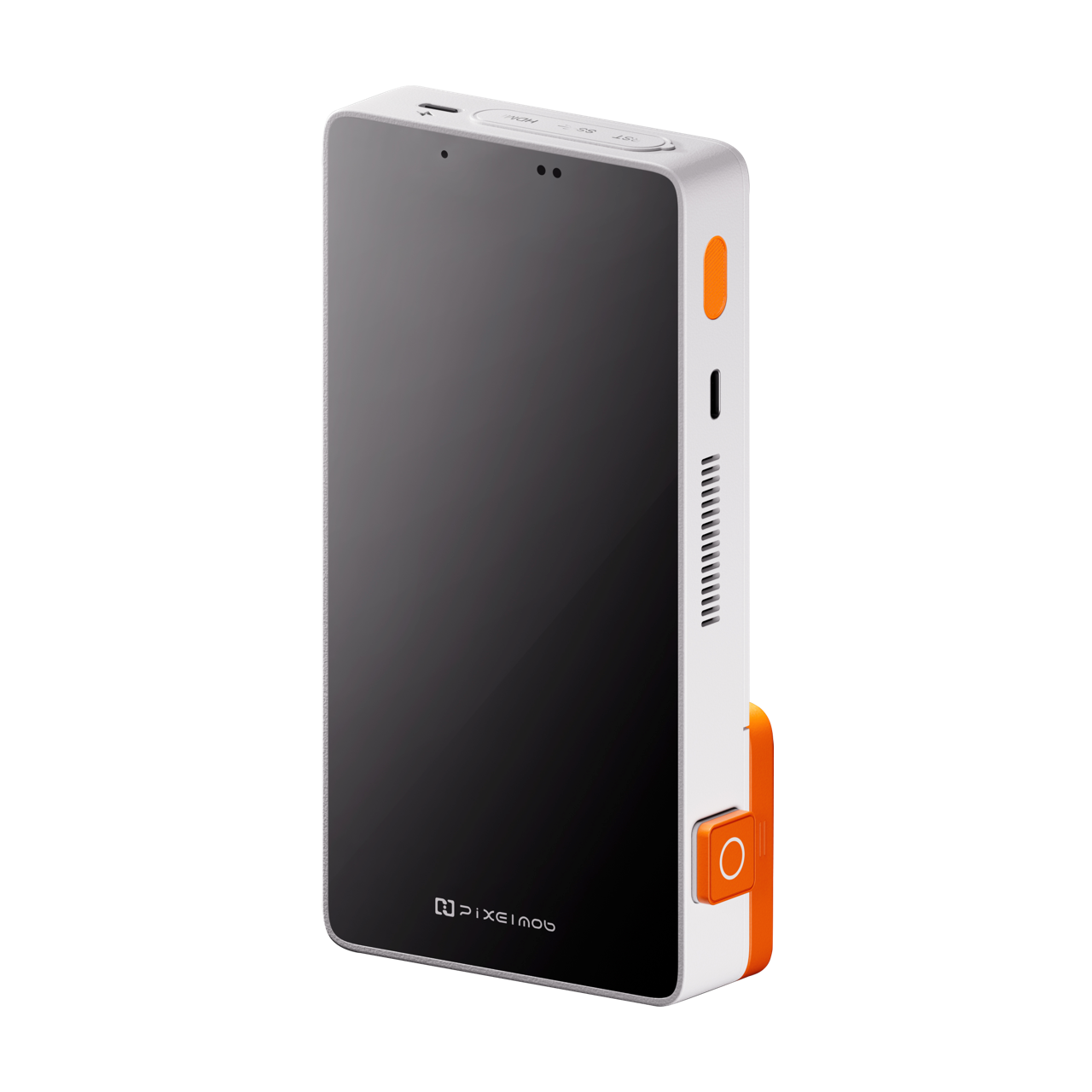
* Maximum capacity depends on installed, compatible SSDs. Single Unit rewards exclude SSDs and NP-F batteries; selected bundles include them. Verify your selected reward’s contents on Kickstarter.
07 / BEFORE YOU BACK
Check your camera, media and chosen reward before adding PixelMob to your kit.
Photographers, filmmakers and production teams who need card backup, field review and the first stages of editing in a portable device. Pro adds CFexpress Type B, a larger screen, USB4 and video-oriented tools.
According to the product information, the AI labels candidates for selection without deleting originals. Pro adds enhanced checks for blur and closed eyes.
Single Unit rewards exclude both. Selected Pro bundles include an SSD, an NP-F battery or both. The main unit has a built-in battery; confirm the exact contents of your chosen reward.
Support varies by camera, storage device and file format. Review the official support information and compatibility details before choosing a reward.
Pro has three M.2 NVMe 2280 bays. Bays 1 and 2 form the internal storage pool; bay 3 provides separate USB4 access. Maximum storage depends on your SSDs and configuration.
See the current Kickstarter rewards and project updates for pricing, eligible destinations, estimated delivery and warranty terms. Crowdfunding delivery dates are estimates and specifications may change.
View current campaign detailsPIXELMOB PRO / YOUR NEXT LOCATION
Explore the configurations, rewards and latest project updates before choosing your PixelMob.
Explore PixelMob on Kickstarter